A history you can find
Log service, repairs, parts, fuel and odometer readings. Keep receipts and vehicle documents alongside the records they explain.
SELF-HOSTED VEHICLE LOGBOOK
Remember every oil change. Understand every expense. Keep your car’s maintenance history in a beautiful, private app you host yourself.
MIT licensed · Docker · 8 interface languages · No required cloud
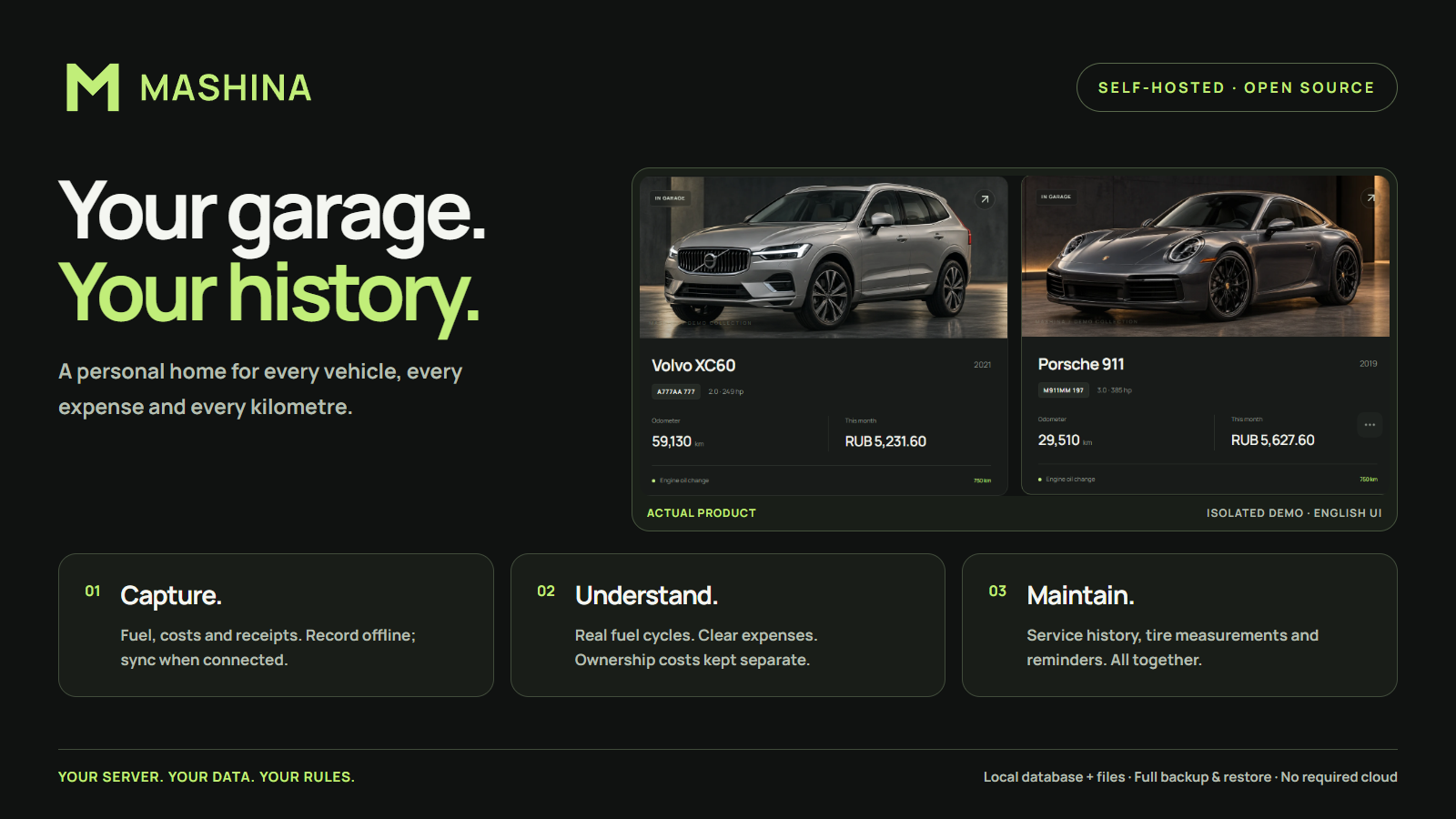
ONE PLACE FOR THE WHOLE STORY
Log service, repairs, parts, fuel and odometer readings. Keep receipts and vehicle documents alongside the records they explain.
Review expenses by vehicle, category and period. Calculate full-to-full fuel consumption from recorded measurements.
Set date and mileage reminders. Track tire mounting and tread measurements, and document body damage and repairs.
A PERSONAL GARAGE, ON YOUR TERMS
SQLite and local attachments. Complete backup and restore. Durable offline entries with synchronization when you reconnect. No required paid API or telemetry.
Install it as a PWA on your phone. Some actions, including photo uploads, need a connection. Physical iPhone validation remains in progress.
Read the hosting & backup guide →BEFORE YOU START
Create a vehicle, record service with its date and odometer reading, add parts and costs, and attach the receipt. Use the history to find previous repairs and set a reminder for the next service.
Record each oil change as a service entry. Search your vehicle’s history for it to see the recorded date, mileage, parts and cost. Add a date or mileage reminder based on your vehicle’s service schedule.
Yes, if you want to run your own vehicle logbook. It combines service history, mileage, fuel and expenses in a mobile-friendly interface. You manage installation, HTTPS and backups yourself.
Both track vehicle maintenance and fuel on your own server. MASHINA uses React, FastAPI and SQLite, with a phone-oriented PWA and an isolated demo inside your installation. LubeLogger offers Docker and a standalone Windows executable, plus a hosted demo. Both use the MIT license. Compare their current documentation and try their workflows; this is not a claim that either has every feature of the other.
After installation, choose “Explore the demo garage” on the welcome screen. The fictional garage uses a separate temporary database and files. This website is a product introduction, not a hosted instance of your garage.
MASHINA’s own code is available under the MIT license. You provide the hosting. Third-party components retain their own licenses.